SOLAKAKA
A75
The SOLAKAKA A75 is a feature-packed 75% wireless mechanical keyboard with tri-mode connectivity, hot-swappable switches, gasket-mounted creamy sound, and a multifunction knob, but its software is Windows-only and sound profile polarizes users.
Summed up from 6 published reviews
Affiliate link · we may earn a commission

What reviewers like
- Tri-mode connectivity (2.4GHz/BT/USB-C) with 5-device pairing 1356
- Hot-swappable 3/5-pin sockets for easy switch changes 1356
- Gasket-mounted dampened design yields creamy thock sound 1356
- Compact 75% layout with arrow keys saves space 1356
- Multifunction metal knob controls media, volume, RGB, modes 1356
Best for
Windows users wanting versatile wireless 75% keyboard with creamy sound
Skip it if
Mac/Linux users needing full software customization or ultra-quiet typing
Where it fits
- use
- GamesTyping & code
- size
- 75%
- connection
- Wireless
Specs
- Size
- 75%
- Best for
- Gaming, Typing
- Wireless
- Yes
- Hot-swap
- Yes
- Backlight
- RGB
Also worth a look
 AulaF75 ProThe Aula F75 Pro offers strong value and flexible connectivity, but reported quality-control problems and…
 AulaF75The Aula F75 is a feature-rich, compact 75% keyboard with strong value, flexible tri-mode connectivity, and…
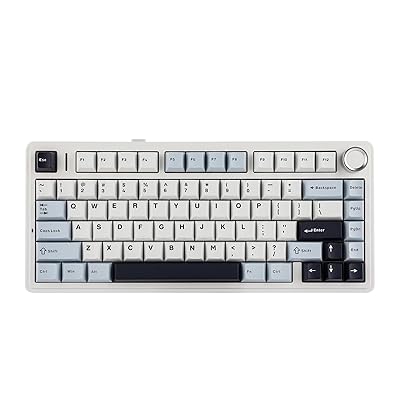 AulaF75 (Epomaker)A well-priced 75% keyboard offering strong typing, flexible connectivity, and hot-swappable switches, with…
 YUNZIIB75 ProThe YUNZII B75 Pro offers excellent typing feel, hot-swappable switches, and versatile wireless at a good…
 AulaHero 68 HEThe AULA HERO 68 HE delivers strong responsiveness, customization, and value, but its software, input…
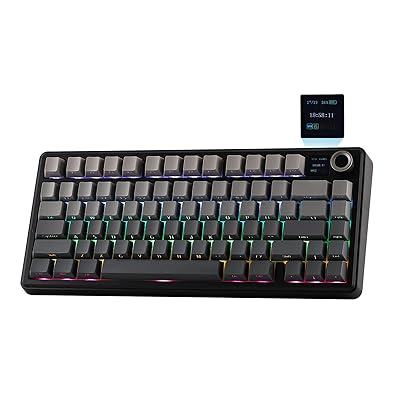 AulaF75 Max (Epomaker)A feature-rich 75% mechanical keyboard with strong sound, typing feel, connectivity, and battery life, though…
Questions
Is the SOLAKAKA A75 worth it?
The SOLAKAKA A75 is a feature-packed 75% wireless mechanical keyboard with tri-mode connectivity, hot-swappable switches, gasket-mounted creamy sound, and a multifunction knob, but its software is Windows-only and sound profile polarizes users.
What do reviewers like about the SOLAKAKA A75?
Tri-mode connectivity (2.4GHz/BT/USB-C) with 5-device pairing. Hot-swappable 3/5-pin sockets for easy switch changes. Gasket-mounted dampened design yields creamy thock sound. Compact 75% layout with arrow keys saves space. Multifunction metal knob controls media, volume, RGB, modes.
What are the downsides of the SOLAKAKA A75?
Windows-only software limits advanced customization on macOS/Linux. Sound profile polarizing; creamy thock may not suit all. Battery life varies with RGB use; specifics undetailed. 75% layout lacks numpad, may not suit full-size users.
Who should buy the SOLAKAKA A75?
Windows users wanting versatile wireless 75% keyboard with creamy sound. Skip it if mac/Linux users needing full software customization or ultra-quiet typing.
Sources
We don't test products ourselves. This page sums up 6 published reviews, read on October 23, 2026; each point above links to the reviews that make it.
- shoukhintech.com SOLAKAKA A75 Keyboard Review: Hot Swappable Gaming RGB Knob | ShoukhinTech
- youtube.com I Tested The Best Budget Sounding Keyboard: Aula Solakaka A75 Sound Test #ad
- solakaka.com SOLAKAKA A75 Wireless Mechanical Keyboard
- lemon8-app.com Solakaka A75 Keyboard Review: Stunning Design and Crisp Sound Experience
- ejobios.com Best Wireless Mechanical Keyboard - SOLAKAKA A75 Review - Shopping expert
- ofertitastop.com SOLAKAKA A75 Wireless Gaming Keyboard with Multifunction Knob — 75% Mechanical, Tri-Mode, Hot-Swappable